Open Kaia’s calendar connection flow, choose the supported provider and sign in to the account that owns or can access the intended calendar. Read the permissions and check the connection using a simple event.
Find the account behind the calendar
A calendar app is a view; the events may belong to Google, Microsoft, iCloud or a subscribed feed. Open an existing family event and look at the calendar name and account it belongs to. Use that information when choosing a connection.
If another adult created the shared calendar, make sure your account has the access needed for the job you want to do. Seeing an event does not always mean you can edit it.
Choose the right connection path
Use the options presented in Kaia’s current setup flow. Different provider and feed connections can have different behavior.
| What you have | What to establish before connecting |
|---|---|
| A Google calendar | The Google account and specific shared calendar |
| A Microsoft calendar | The Microsoft account and calendar permissions |
| A subscribed calendar feed | The source and whether it is a read-only subscription |
| An Apple Calendar view | Which underlying account or feed owns the events |
Complete the provider’s permission screen
Read which account is being connected and what access you are granting. If the account shown is a work account or an old personal account, switch to the intended one before continuing. Complete the provider flow and return to Kaia to see the connection result.
Connect your calendar and give Kaia the next task.
Start with the calendar that holds your family plans. Once it is connected, ask Kaia about one ordinary day and add the household details that a bare event title cannot explain.
Check one simple event
Choose an ordinary test event with a clear date and time. Confirm that it appears where expected and that the calendar name is the one you intended. Check the time zone if the household travels or uses accounts created in different places.
Then check a real upcoming event without changing it. You want to know which information is visible before relying on the connection for the whole school week.
Keep feeds and editable calendars distinct
A subscribed feed can be useful for viewing a school’s dates, but that does not make it a calendar you can edit at the source. Understand where changes must happen. When in doubt, use the original calendar provider’s instructions and Kaia’s help options for the particular connection.
If the wrong calendar appears
Check the account, calendar selection and permissions before starting over. A duplicate event may come from two feeds rather than two separate plans. If you need support, describe the provider and the calendar name without sending passwords or private event details that are not relevant.
See a worked family example
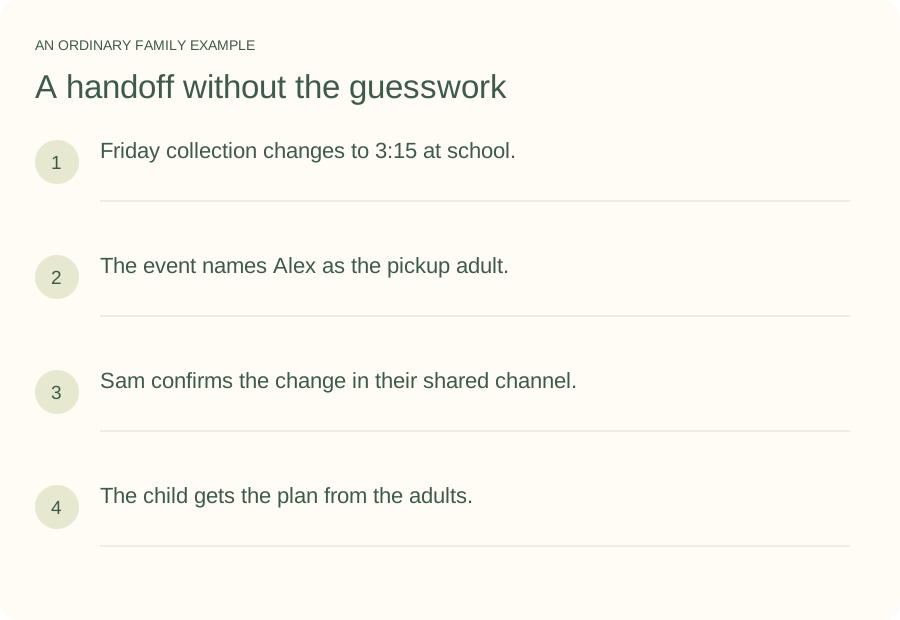
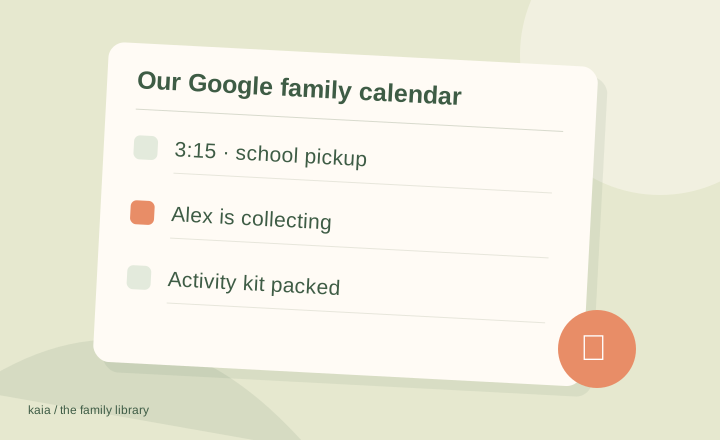
Illustrative household example; adapt the names and details to your week.
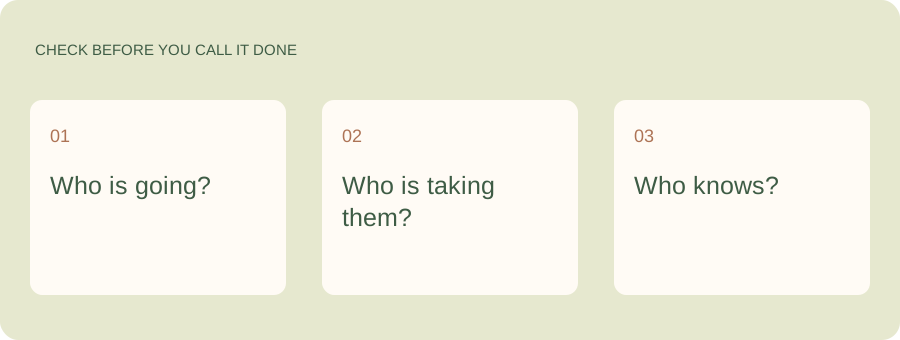
A few common questions
Does using Apple Calendar mean my events are in iCloud?
Not necessarily. Apple Calendar can display calendars from different accounts and subscriptions. Check the account that owns the particular calendar before choosing how to connect it.
Can I edit a subscribed school calendar?
A subscription commonly provides a view of the source calendar. Changes to the source usually belong with its owner. Check the specific provider and feed behavior rather than assuming the connection is two-way.
What should I check after connecting?
The account, selected calendar, time zone and one simple event. If those are right, look at the next week and confirm the family events you expect are visible.